



Deploy the AI diagramming tool with one click via EdgeOne Pages
The trending open-source project next-ai-draw-io on GitHub can now be deployed instantly with just one click using EdgeOne Pages! Simply describe your needs in natural language, and it generates architecture diagrams, flowcharts, UML diagrams, and more—dramatically improving diagramming efficiency. Next, we’ll share this best practice case of EdgeOne Pages to help you quickly start your AI drawing experience.
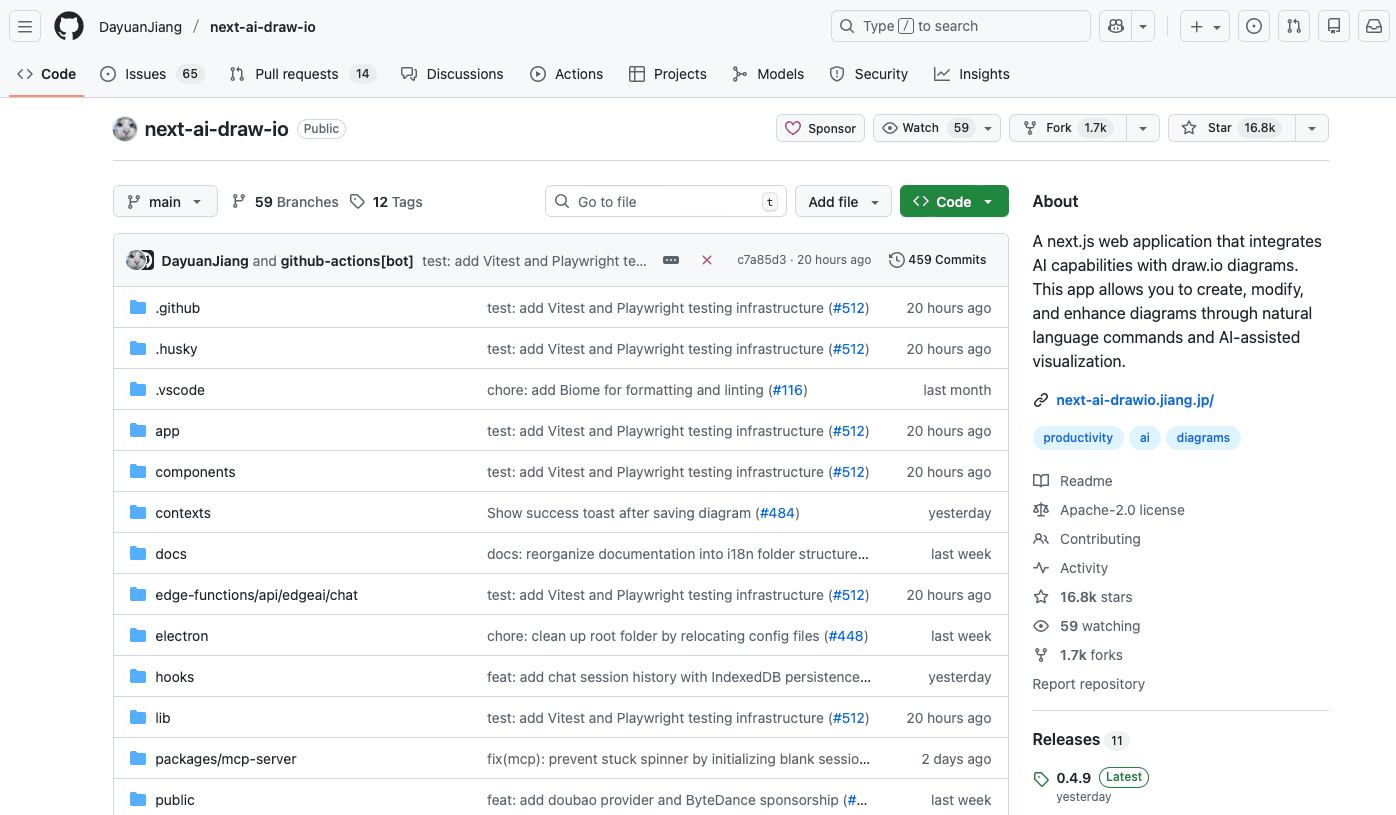
What is next-ai-draw-io?
next-ai-draw-io is a Next.js-based web application integrated with AI capabilities, seamlessly combined with draw.io charts. It uses natural language commands and AI-assisted visualization to create, modify, and enhance diagrams. Simply put, you can draw diagrams through conversation: just type a sentence like, "create a flowchart illustrating how cdn works" and the system will automatically generate the corresponding flowchart. If you need to make changes, you can continue instructing the AI with text—for example, "increace the font size of the title"—and it will automatically adjust accordingly. You can also manually edit directly on the canvas. Additionally, you can upload simple hand-drawn sketches or screenshots of existing diagrams, and the AI will convert them into editable Draw.io vector graphics. It’s straightforward and easy to use.
How to deploy with one click via EdgeOne Pages?
EdgeOne Pages offers an extremely simple yet powerful deployment solution for next-ai-draw-io—truly one-click deployment with no complex configuration required. This means you only need to click the deployment button once, and EdgeOne Pages will handle the entire process from configuration to launch, eliminating the need for any complicated manual setup. It delivers true "out-of-the-box" usability, allowing you to focus entirely on AI-assisted drawing.
By deploying through EdgeOne Pages, you also get free daily quota for the DeepSeek model (@tx/deepseek-ai/deepseek-v32, 50 calls per day). This means that within the quota limit, you can freely experience AI-generated and AI-edited diagrams, enabling true zero-cost startup for creativity and efficiency improvement.
The combination of EdgeOne Pages and next-ai-draw-io paves the way for developers to dive into AI-powered diagram creation. Deploy next-ai-draw-io with one click on EdgeOne Pages now, start your AI drawing journey, and effortlessly turn every idea into reality!
Notes
To ensure content compliance, accessing Pages sites via project domain name and deployment domain must follow the following rules:
1.The project acceleration locale is set to "Chinese mainland availability zone" or "global availability zone (including Chinese mainland)":
● Use the system-generated preview URL for access. The link validity period is 3 hours. A 401 error will be returned after timeout.
● Note: You can periodically update the valid link by clicking the Preview button in the upper right corner of the Project Overview interface via the console.
2.The project acceleration region is set to "global availability zone (excluding Chinese mainland)":
Non-Chinese mainland network environments can directly access, while Chinese mainland network environments will return a 401 error.
Recommend binding custom domains to create a stable access channel. No need for ICP Filing Registration in global availability zones (excluding Chinese mainland).