
边缘开发者平台
  • 边缘函数
    • 概述
    • 快速指引
    • 操作指引
      • 函数管理
      • Web调试
      • 触发配置
      • 环境变量
      • Code Replica
    • Runtime APIs
      • addEventListener
      • Cache
      • Cookies
      • Encoding
      • Fetch
      • FetchEvent
      • Headers
      • Request
      • Response
      • Streams
        • ReadableStream
        • ReadableStreamBYOBReader
        • ReadableStreamDefaultReader
        • TransformStream
        • WritableStream
        • WritableStreamDefaultWriter
      • Web Crypto
      • Web standards
      • Images
        • ImageProperties
    • 示例函数
      • 示例概述
      • 获取客户端URL信息
      • 基于客户端地理位置的自定义
      • 获取客户端地理位置信息
      • 批量重定向
      • URL rewrite based on regular expressions
      • 返回 HTML 页面
      • 返回 JSON
      • Fetch 远程资源
      • 请求头鉴权
      • 修改响应头
      • AB 测试
      • 设置 Cookie
      • 基于请求区域重定向
      • Cache API 使用
      • 缓存 POST 请求
      • 流式响应
      • 合并资源流式响应
      • 防篡改校验
      • m3u8 改写与鉴权
      • 图片自适应缩放
      • 图片自适应 WebP
      • 自定义 Referer 限制规则
      • 远程鉴权
      • HMAC 数字签名
      • 自定义下载文件名
      • 获取客户端 IP
      • Complex origin-pull URL rewriting
      • Web Bot Auth
    • 最佳实践
      • Overview
      • Origin retrieval based on user IP/geographic location
        • EdgeOne Implementation of Session Persistence Based on Client IP Addresses
        • EdgeOne Implementation of Origin-Pull Based on Client's Geo Location
      • APK dynamic packaging
        • EdgeOne enables dynamic packaging of Android APKs.
          • Feature Overview
          • Step 1: Preprocess the Android APK Parent Package
          • Step 2: Write the Channel Information into the APK Package with EdgeOne Edge Functions
      • Canary Release and Region-specific Execution
      • 通过边缘函数实现自适应图片格式转换
      • Two Ways to Implement CDN Origin-pull Via Edge Function: Fetch and Passthrough
  • KV Storage
    • Overview
    • Operation Guide
  • Edge reasoning
    • Edge Inference Overview
    • Quick Guide

URL rewrite based on regular expressions

该示例捕获传入的 HTTP 请求,根据 URL 路径使用正则表达式进行匹配,并在匹配到特定内容时实现 URL 改写访问 index.html 页面。适用于将对指定目录下的任意请求统一重写为访问主页(通常是index.html),以便通过前端路由来处理不同的页面请求。

示例代码

async function handleEvent(event) {
const { request } = event;
const urlInfo = new URL(request.url);
// 正则表达式匹配/test/后面跟着1或2个非斜杠的路径段
const regexp = /^\/test\/([^\/]+)(?:\/([^\/]+))?\/?$/;
// 检查路径是否匹配正则表达式
if (regexp.test(urlInfo.pathname)) {
const matches = urlInfo.pathname.match(regexp);
let newPathname = '/test/';
// 构造新的路径名,根据匹配的路径段数量,可能是一个或两个
newPathname += matches[1]; // 第一个路径段
if (matches[2]) {
newPathname += '/' + matches[2]; // 第二个路径段,如果有的话
}
// 确保以index.html结尾
newPathname += '/index.html';
// 更新URLInfo的pathname
urlInfo.pathname = newPathname;
}
// 使用更新后的URLInfo发起请求
const response = await fetch(urlInfo.toString(), {
method: request.method,
headers: request.headers,
redirect: 'manual',
body: request.body,
});
// 将响应返回给事件
return event.respondWith(response);
}

// 为每个fetch事件调用handleEvent函数
addEventListener('fetch', (event) => {
handleEvent(event);
});

示例预览

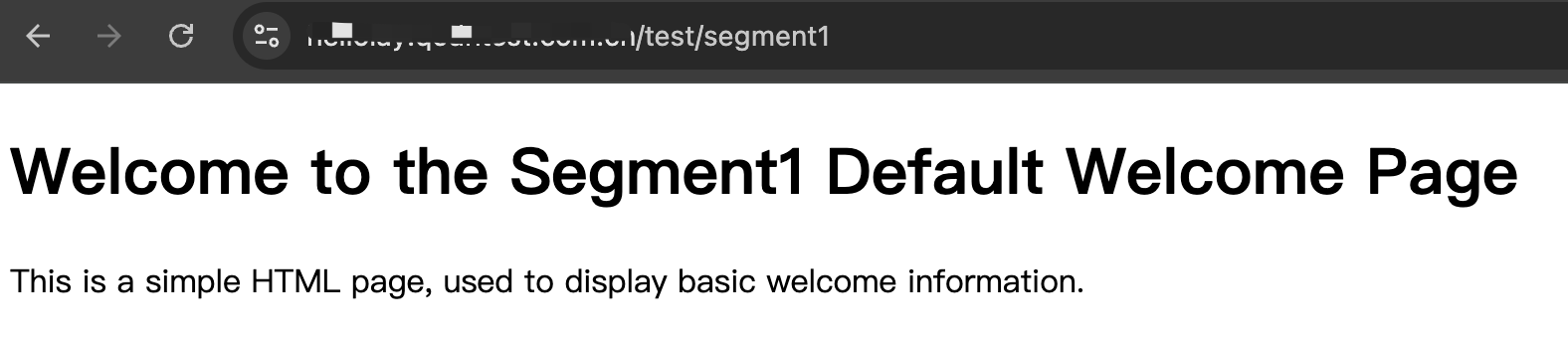
1. 在浏览器地址栏中输入匹配到边缘函数触发规则的 URL,在路径中携带 /test/segment1 实现动态改写访问 https://www.example.com/test/segment1/index.html


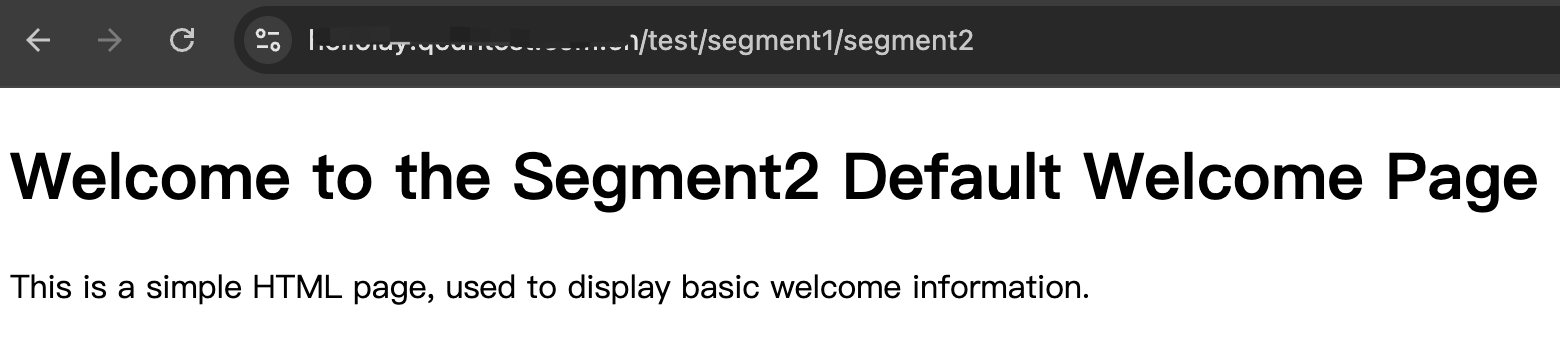
2. 在浏览器地址栏中输入匹配到边缘函数触发规则的 URL,在路径中携带 /test/segment1/segment2 实现动态改写访问 https://www.example.com/test/segment1/segment2/index.html


3. 在浏览器地址栏中输入匹配到边缘函数触发规则的 URL,在路径中携带非正则匹配内容,如:/test/test1



相关参考