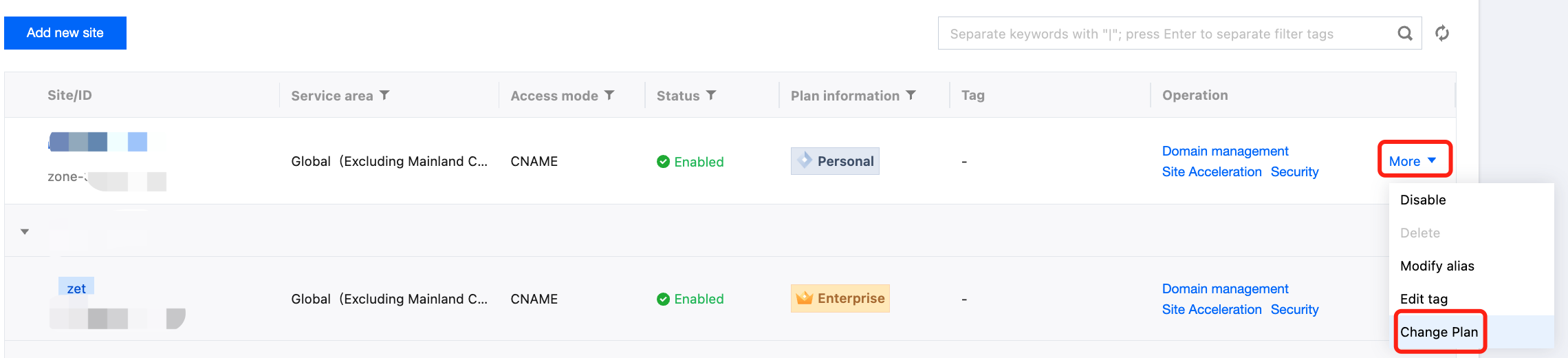
When the package you are using is about to expire and there are other idle packages under your account, you can switch to another package smoothly and losslessly through package rebinding. This document describes the directions for package rebinding.
Note:
Package rebinding is supported only between packages of the same version or a higher version. Rebinding a site to a lower-version package is not supported. The package versions in ascending order are: Free < Trial < Personal < Basic < Standard < Enterprise .
Upon success, the site configuration will seamlessly migrate to the new package. The original package will be released as an empty package. If the original package is still valid, you can continue accessing the site.
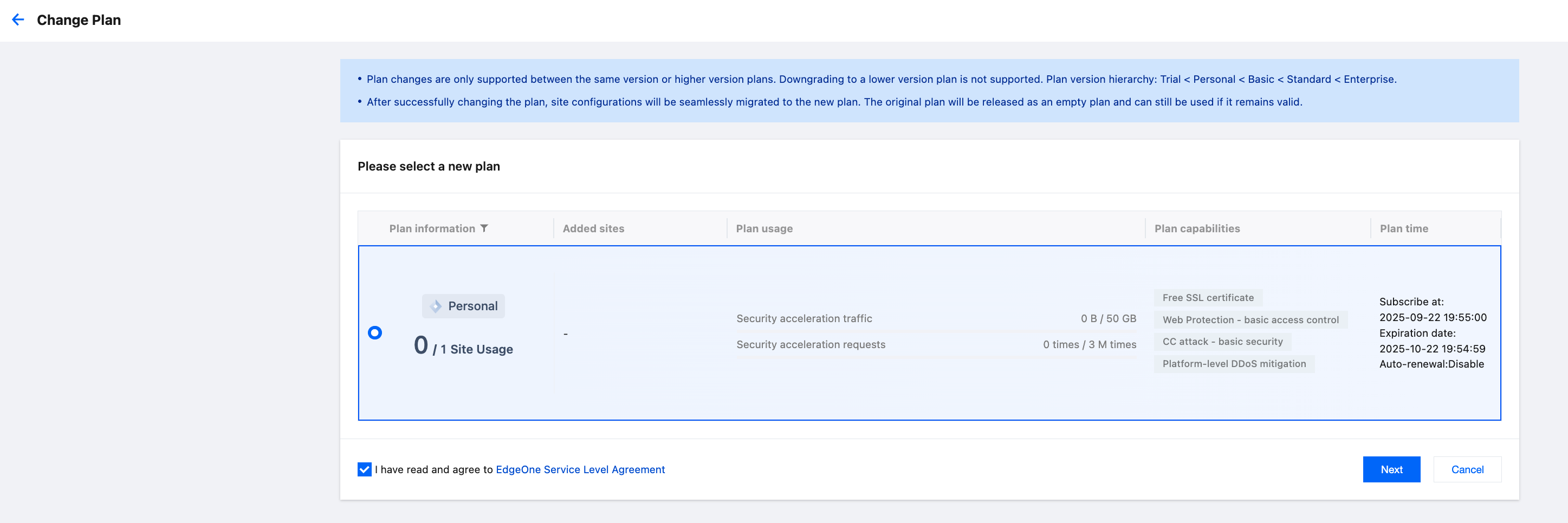
2. Enter the package selection page. The page will display ALL available packages for rebinding. Select the package you need and agree to the service agreement.
2.1 If you want to rebind to the Enterprise Edition plan, apply for a redemption code to activate the Enterprise Edition plan first (Plan Redemption Code Usage Guide). After activation, you can rebind on the rebinding page.
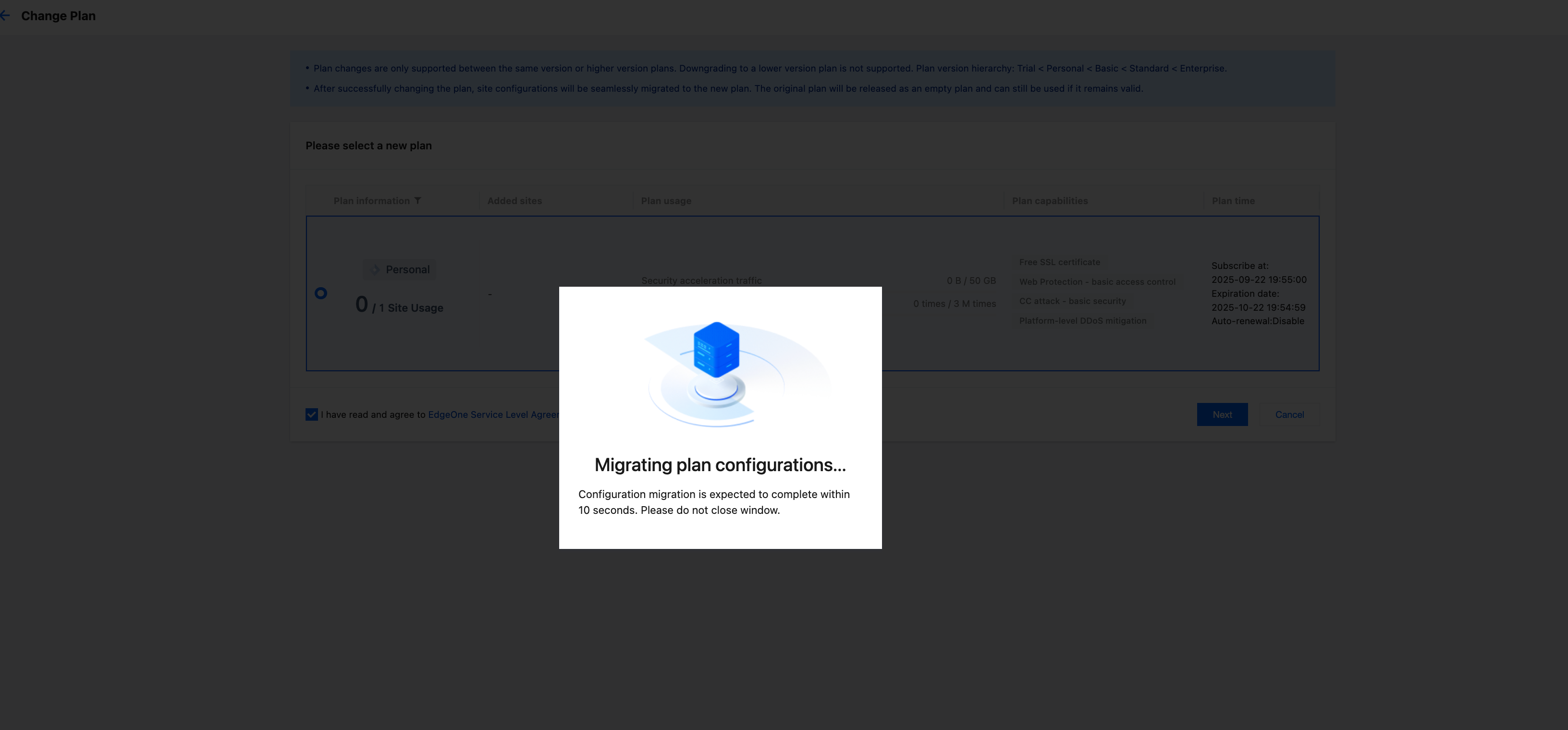
3. After confirming that everything is correct, click Next to start configuration migration and package rebinding.
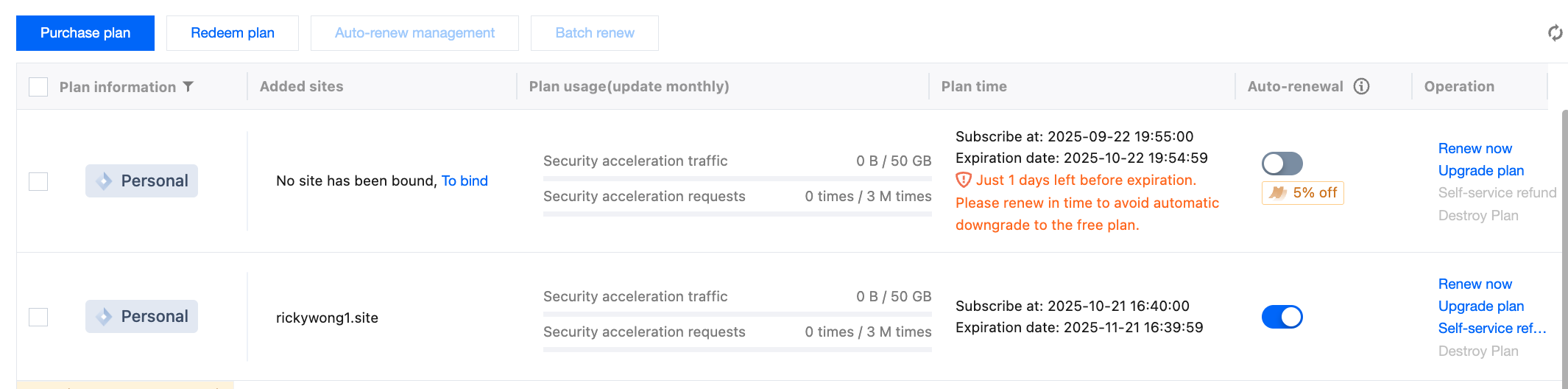
4. Upon success, it will return to the package management page. At this point, it indicates that the package rebinding is successful.